
Manage labels
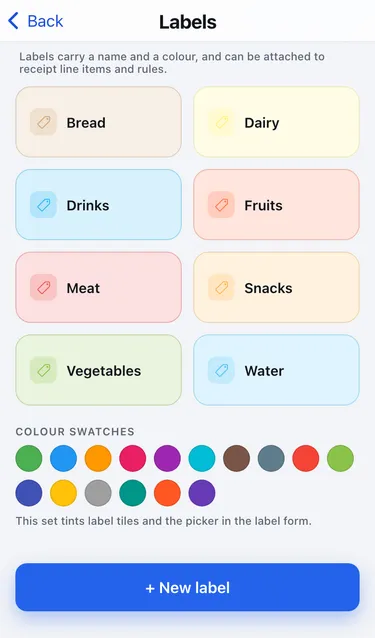
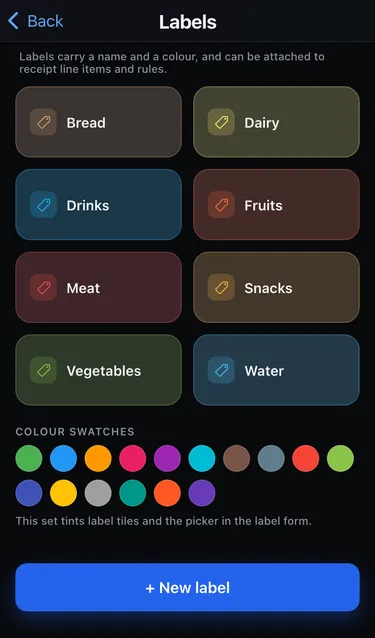
Labels have a name and a colour. You can attach them to receipt line items and to rules, and see your Top labels on the dashboard.
Go to Settings → Labels.
Add a label
Section titled “Add a label”- Tap + New label.
- Enter a Name and pick a Color.
- Tap Create.
Edit or delete a label
Section titled “Edit or delete a label”Tap a label to rename it or change its colour, then tap Save. To remove it, tap Delete and confirm. The label disappears from every item that used it. The items themselves stay.