
Chat assistant
The Chat tab lets you ask about your money in your own words, in English or Slovak. The assistant looks the numbers up in your transactions and answers with figures and a link to the matching list.
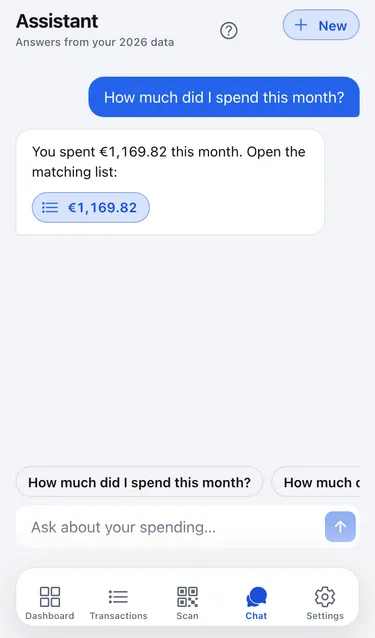
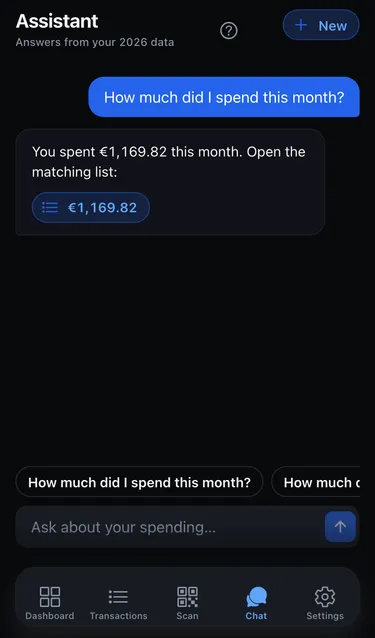
Ask a question
Section titled “Ask a question”- Open the Chat tab.
- Tap a starter question, or type your own in Ask about your spending….
- Wait a moment while it shows Looking up your transactions….
- Tap the amount in the answer to open the transactions it is based on.
What you can ask
Section titled “What you can ask”The assistant can add up spending or income, list transactions, compare two periods, and rank your top categories. For example:
- “How much did I spend this week?”
- “What are my top spending categories this month?”
- “How much did I spend on groceries in August?”
- “Did I spend more in September than in August?”
- “Show my last five transactions at BILLA.”
Good to know
Section titled “Good to know”- Conversations. Your chats are saved per workspace and only you can see them, even in a shared workspace. Tap New to start a fresh conversation.
- Offline. Without a connection you can read earlier messages, but you can’t ask anything new.
- Accuracy. The figures come straight from your transactions, but the wording is written by AI. If an answer looks wrong, tap through to the transactions to check.
- Demo. In the demo, chat has a daily limit.
What is sent to AI
Section titled “What is sent to AI”The assistant uses an AI model (Anthropic Claude). To answer, it receives your question, the recent messages in that conversation, your time zone and language, and the figures and transactions it looks up: amounts, dates, shops, items, categories and labels. It doesn’t receive your name, email or password.