
Review queue
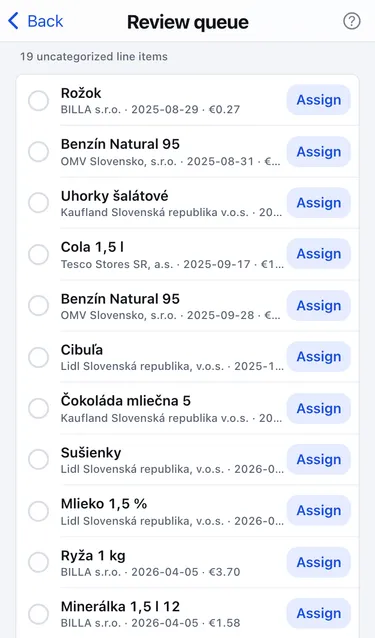
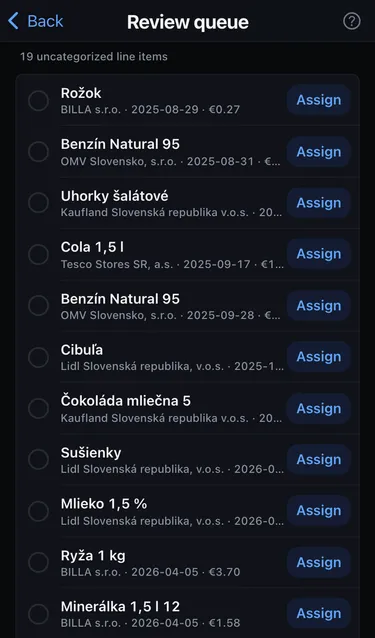
The review queue lists line items that are still Uncategorized: nothing matched them, and the AI wasn’t sure enough. Open it from Settings → Review queue. The number next to it tells you how many items are waiting.
Assign one item
Section titled “Assign one item”- Tap Assign next to the item.
- Pick a category and, optionally, labels. Recent shows the ones you used last.
- Choose Always to create a rule for future items with the same name, or Just once for this item only.
Assign several items at once
Section titled “Assign several items at once”Select several items, then tap Assign … selected (for example Assign 3 selected). All selected items must be the same type: only expenses or only incomes.
When the queue is empty you see All caught up.