
Export your data
You can download a full copy of a workspace at any time: receipts, transactions, categories, labels and rules. Only the workspace owner can export.
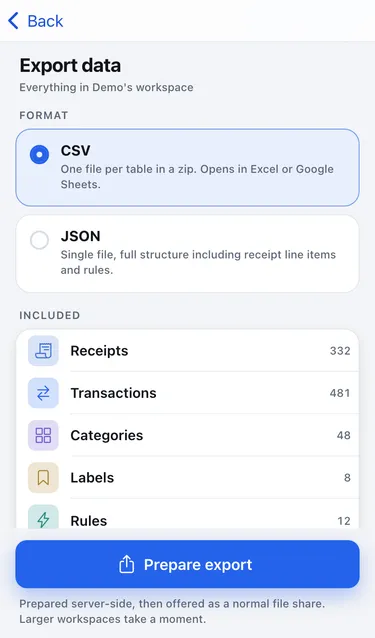
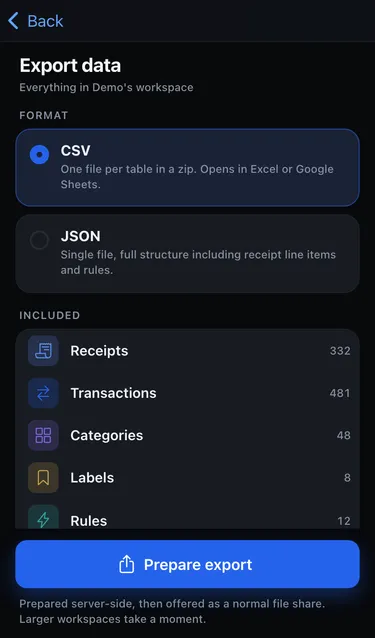
- Go to Settings → Switch → Edit workspace → Export data.
- Choose a format:
- CSV: one file per table in a zip. Opens in Excel or Google Sheets.
- JSON: a single file with the full structure, including receipt line items and rules.
- Tap Prepare export. Larger workspaces take a moment.
- When you see Export ready, tap Save or share.
Good to know
Section titled “Good to know”- The original eKasa data travels with each receipt.
- Chat history isn’t included.
- The download link is valid for 24 hours and only works for you.
- Deleting the workspace later doesn’t delete a file you already saved.