
Receipt details
To open a receipt, open its transaction in Transactions and tap From receipt above the line items. Right after scanning, you can also tap Open receipt.
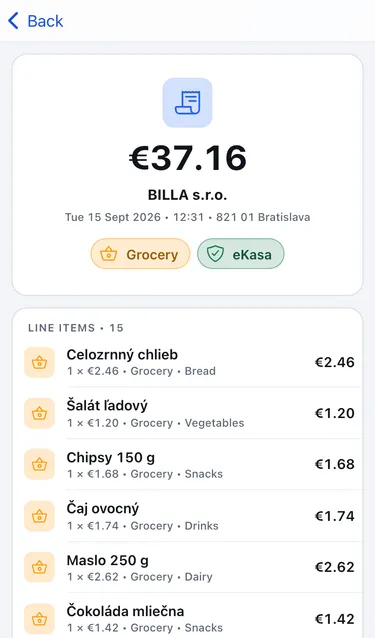
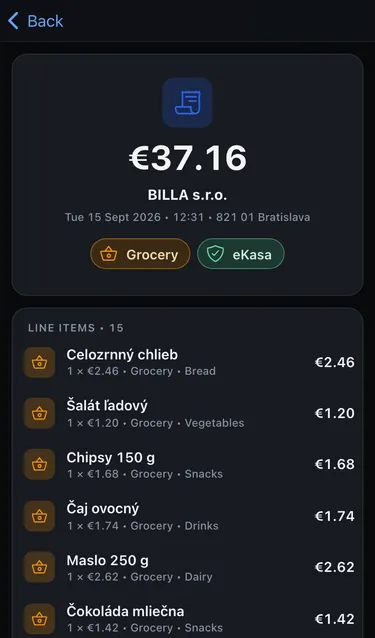
The receipt shows:
- The total and the merchant, with an eKasa badge showing it came from the official receipt service.
- When and where you paid: date, time and the shop’s address.
- Every item with its quantity, unit price, category and labels.
- The merchant’s details: Issuer, IČO and Address.
- The Receipt ID and the receipt’s eKasa QR code.
To check the receipt against the official record, tap Verify on financnasprava.sk.
Deposits
Section titled “Deposits”Bottle and can deposits (Deposit) are part of what you paid, but you get them back when you return the packaging. Cashfinity therefore doesn’t count them as spending. The transaction shows both numbers, for example Paid €12.40 · counted as spending €11.80.
Change categories
Section titled “Change categories”Receipt items can’t be edited, because they come from the official receipt. You can change the category and labels of any item. See Change an item’s category.